Complete Decluttering Guide
Practical strategies to streamline your website, reduce complexity, and create a better experience for every visitor.
Understanding Digital Clutter
Most business websites accumulate unnecessary elements over time. Outdated plugins, redundant pages, excessive images, conflicting styles, and forgotten scripts all contribute to slower performance and confused visitors. Digital decluttering is the systematic process of identifying and removing these obstacles while enhancing what truly matters.
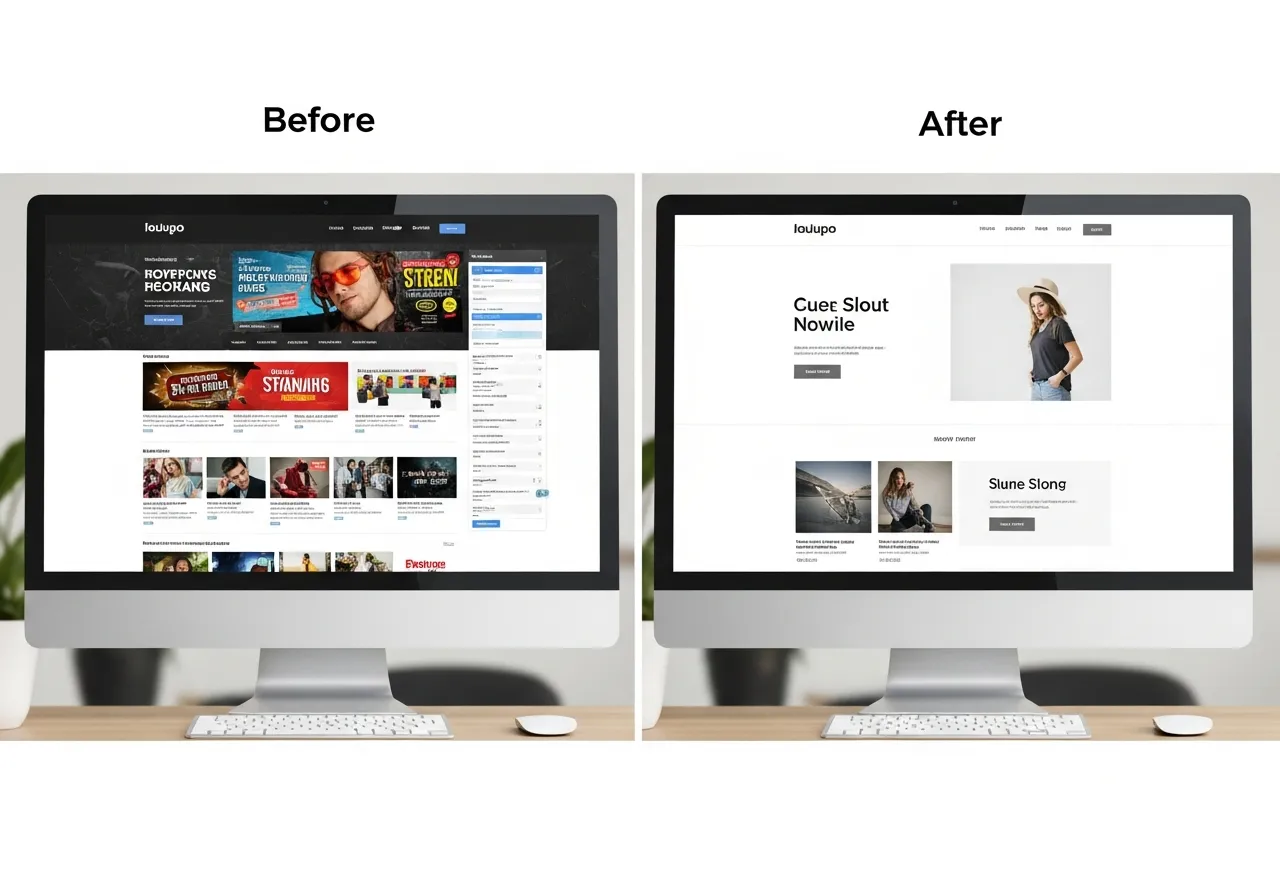
Essential Decluttering Steps
Audit Your Current State
Begin with a comprehensive inventory. List every page, plugin, script, image, and feature your website currently uses. Use analytics to identify which pages receive traffic and which sit abandoned. Tools like page speed analyzers reveal technical bottlenecks.
- Document all active pages and their purpose
- Review installed plugins and extensions
- Check image sizes and formats
- Analyze loading speed metrics
- Identify duplicate or overlapping content
Prioritize Content Value
Not all content deserves equal prominence. Evaluate each element based on visitor needs and business goals. High-value content solves problems, answers questions, or facilitates conversions. Low-value content confuses, distracts, or serves no clear purpose.
- Rate content by visitor engagement
- Identify conversion-focused pages
- Mark outdated information for removal
- Consolidate similar topics
- Simplify navigation paths
Remove and Consolidate
Take action on your audit findings. Delete unused plugins, compress images, merge redundant pages, and eliminate outdated content. This phase requires decisiveness. When uncertain about removing something, archive it temporarily rather than keeping it live.
- Deactivate unnecessary plugins
- Delete or redirect unused pages
- Compress and optimize images
- Merge overlapping service descriptions
- Simplify form fields
Optimize Structure
With clutter removed, refine your information architecture. Create logical content hierarchies, improve internal linking, and ensure visitors can reach important pages within three clicks. Clear structure benefits both humans and search engines.
- Redesign main navigation menu
- Establish clear page hierarchy
- Add contextual internal links
- Create focused landing pages
- Implement breadcrumb navigation
Maintain Regularly
Decluttering is not a one-time project. Schedule quarterly reviews to prevent new clutter from accumulating. Establish content guidelines for your team. Monitor performance metrics to catch degradation early.
- Set quarterly audit reminders
- Review new content before publishing
- Monitor page speed monthly
- Update or remove outdated information
- Track visitor behavior patterns
Quick Wins for Immediate Impact
Optimize Images
Compress images without quality loss. Modern formats like WebP reduce file sizes significantly while maintaining visual clarity.
Minify Code
Remove whitespace, comments, and unnecessary characters from CSS and JavaScript files to reduce load times.
Clean Database
Delete spam comments, post revisions, and transient data that accumulate in your database over time.
Reduce Redirects
Each redirect adds latency. Audit your redirect chains and eliminate unnecessary hops between URLs.
Limit Plugins
Each plugin adds code and potential conflicts. Keep only essential tools that provide clear value.
Simplify Layout
Reduce the number of columns, widgets, and visual elements competing for attention on each page.
Need Professional Help?
Our team specializes in systematic website optimization. We handle the technical details while you focus on your business.
Get Expert Assistance